
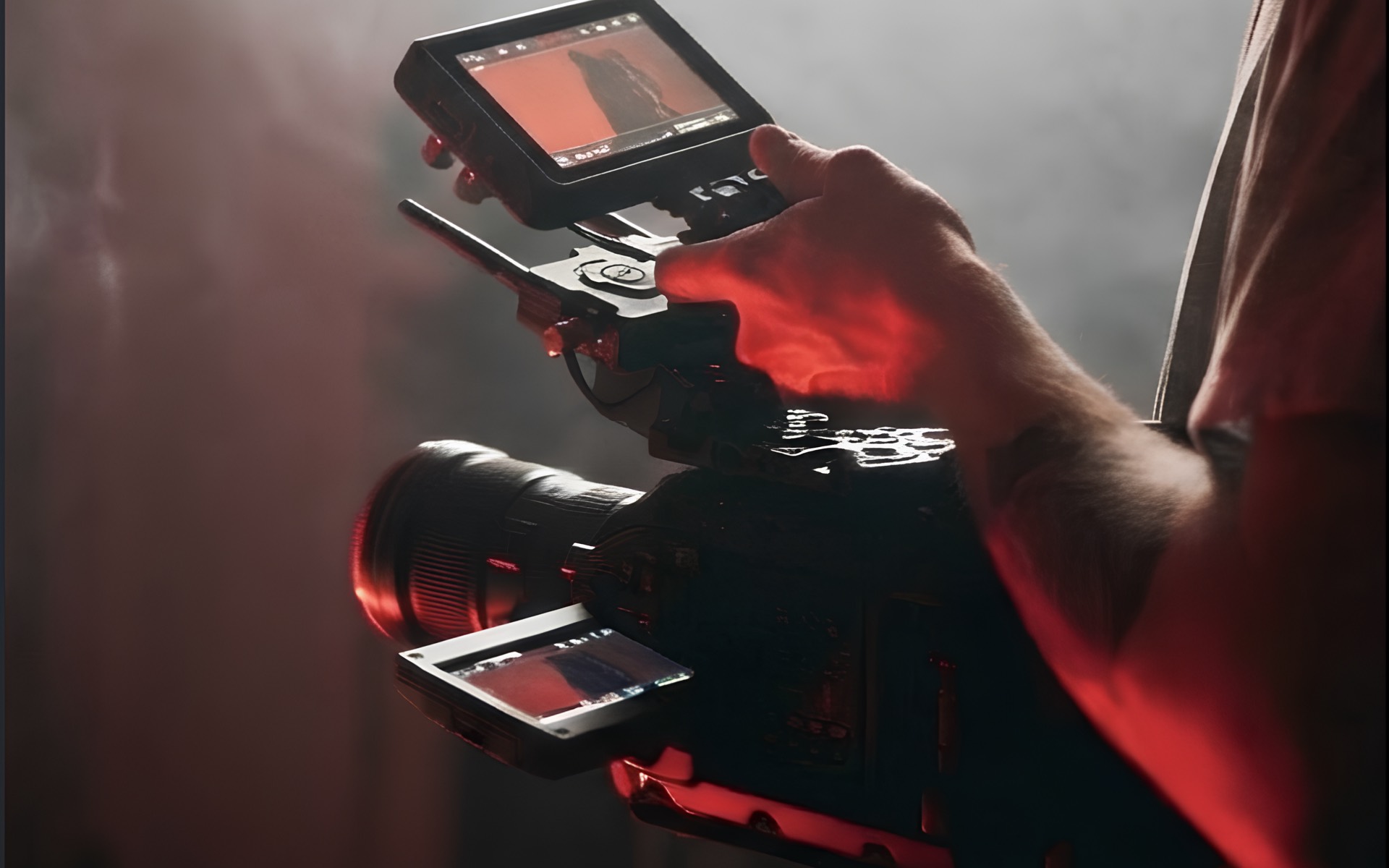

AI Scene Analysis
Frame up. FrameCoach instantly reads the lighting conditions, contrast ratio and colour temperature of your scene, then recommends the settings that suit it.
A camera coach for filmmakers
FrameCoach reads your scene and tells you which settings to dial in — before you hit record.
iOS 16.0+ · Works with Sony, Canon & iPhone
Made by a alumnus with experience at







Works with



Five steps. No complicated menus, no guesswork — connect, describe, and start shooting.
Link your camera’s live feed over Wi-Fi so FrameCoach sees exactly what you see. No cables, no capture cards — just connect and shoot.
Sony A7S II
1920×1080 · 24p · Rec.709 · Connected over Wi-Fi
Tell FrameCoach the look you’re going for. “Painterly and slow” or “crisp, sun-washed, editorial” — speak the way directors do.
“Single warm flame, deep velvet shadows, painterly and slow”
Read as
FrameCoach analyses your scene in real time. Lighting conditions, dynamic range, potential hazards — nothing slips past.

We don’t just dump numbers on you. You get ranked recommendations: what to change first, what matters most, and why.
Priority 1: ISO
Five stops short for a single flame
100 to 3200
High
Priority 2: Aperture
Wide open — more light, painterly falloff
f/5.6 to f/1.8
High
Priority 3: White balance
Hold the warmth without going orange
5600K to 3200K
Medium
Hit record knowing your technical choices match your creative intent. No more “fix it in post” prayers.
Optimised
Made by a filmmaker who got tired of losing shots to the wrong settings. Every feature exists because it was needed on set — nothing here is for show.
Frame up. FrameCoach instantly reads the lighting conditions, contrast ratio and colour temperature of your scene, then recommends the settings that suit it.
“Cinematic sunset interview” or “clean corporate talking head” — describe what you want in plain English. We handle the rest.
Exactly three actions, ranked by impact. No overwhelming settings menus — just the changes that matter most for your creative goal, in order.
New to exposure? Get step-by-step explanations. Experienced shooter? Get concise technical adjustments. The app learns your skill level.
Every subject properly exposed, whatever their skin tone. FrameCoach flags when darker skin tones risk losing detail, so everyone in frame is seen as they are.
Switching angles? Changing locations? We remember your baseline and help you keep every shot consistent across the whole shoot.
Each pair is one frame shot twice — first on the settings the camera was left on, then on the ones FrameCoach suggested. Drag the divider to compare.
Candlelight. Candlelit interior — a single practical source, with white balance left on daylight.
| Setting | As shot | Suggested |
|---|---|---|
| White balance | 5600K | 3200K |
| ISO | 1600 | 800 |
| Aperture | f/4 | f/2.8 |
Illustrative values — real camera report to follow.
FrameCoach reads the scene and suggests the settings. The creative call stays yours.
Questions first?Book a call
Free · iOS 16.0+ · Works with Sony, Canon & iPhone
Sony, Canon and iPhone today. On Sony, bodies that use the Camera Remote API, such as the A7 III, A7C and A6400; newer models like the A7 IV and FX3 use a different protocol, and support for them is in development. On Canon, bodies with CCAPI, after a quick one-time setup. On iPhone, the built-in cameras on iPhone 15 Pro and later Pro models, with no extra kit. Panasonic, Blackmagic and RED are on the roadmap, and we’re exploring Nikon. See the full supported list.
Tutorials teach the principles; FrameCoach applies them to the shot in front of you. You get camera-aware recommendations in the moment, based on what you’re going for, the constraints you’re working with and the gear in your hands.
Both. If you’re starting out, you get structured guidance and the reasoning behind each recommendation, so you learn as you shoot. If you’ve been doing this for years, you iterate faster and keep your look consistent from setup to setup.
No. FrameCoach helps you make better decisions, faster. It raises the floor for small crews and speeds up experienced teams, but the craft and the creative calls stay yours.
No. FrameCoach works with the kit you already own, including minimal lighting setups, and helps you get the most out of it. On iPhone you don’t even need a separate camera.
Yes, for now. FrameCoach needs a connection to analyse your scene; when you’re linked to a camera over Wi‑Fi, your phone uses mobile data for the analysis. As the technology allows, we plan to move processing on-device so you can work fully offline.
Still wondering about something? Write to contact@framecoach.io, call +1 (518) 872-6759 or book a call.